Lightroom vs Classic: Which Should You Choose?
A practical head-to-head comparison of Lightroom and Classic, covering quick verdict, key differences, category winners, buyer fit, and FAQ.
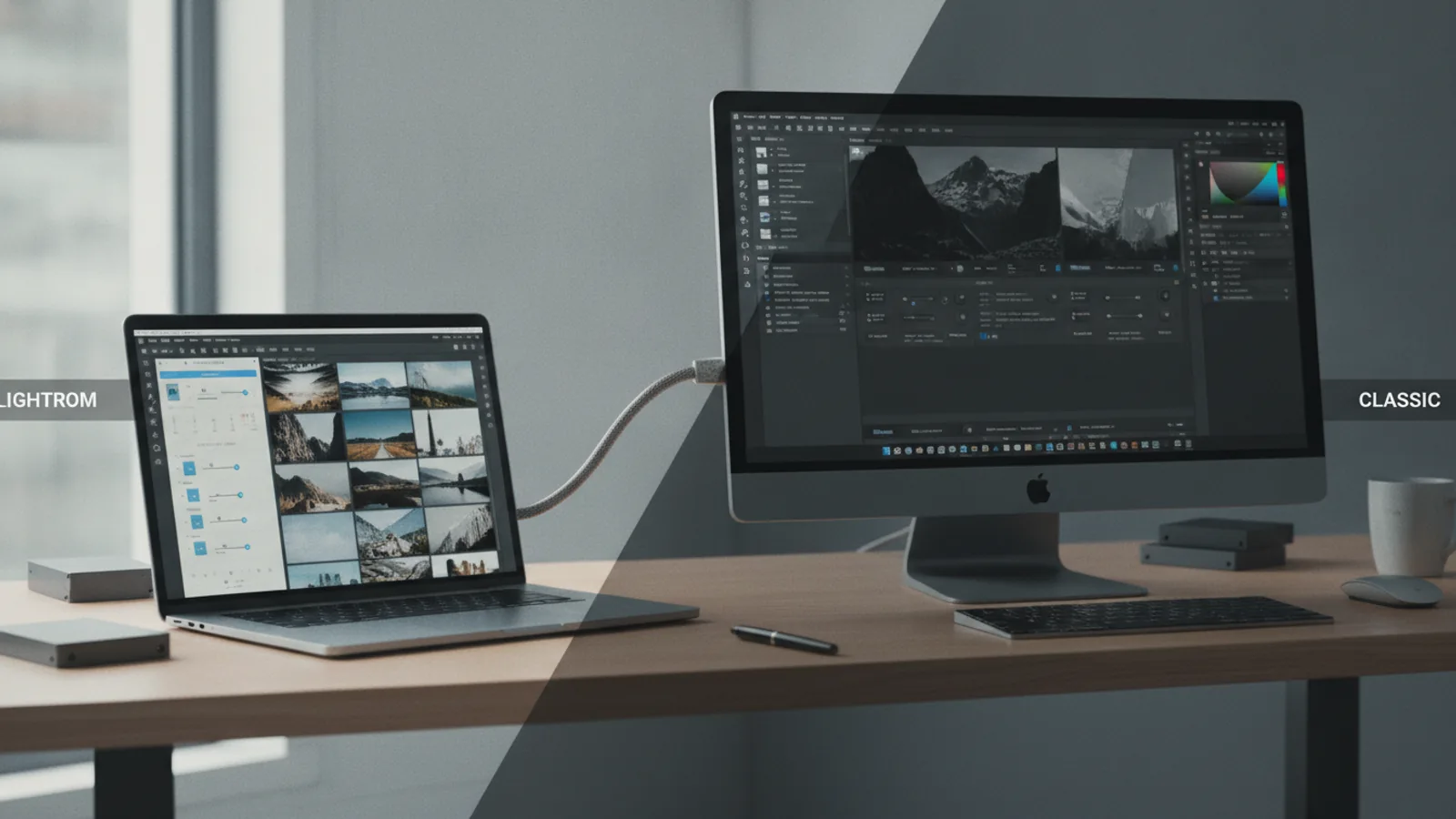
Lightroom vs Classic: Which Should You Choose?
Head-to-head comparison
Overall winner: Lightroom Classic for professional desktop photo management and editing control.
For photographers who demand the most powerful, feature-rich desktop experience with local storage control, Lightroom Classic remains the superior choice. However, if cloud synchronisation, accessibility across devices, and a streamlined, intuitive interface are your priorities, the modern Lightroom offers a compelling alternative for managing and editing your photos in 2026.
Head-to-Head Scorecard
Lightroom vs Classic: Key Differences
The distinction between Adobe Lightroom and Lightroom Classic can be confusing, especially as both are part of Adobe's Creative Cloud Photography Plan. While they share the fundamental goal of photo editing and management, their underlying architecture and intended workflows are significantly different. Understanding these core differences is crucial for choosing the right tool for your specific needs in 2026.
Lightroom (often referred to as 'Cloud Lightroom' or 'Desktop Lightroom') was rebuilt from the ground up to be a cloud-native service. This means your photos are automatically synced and stored in the Adobe Cloud, making them accessible and editable from any device – desktop, mobile, or web. Its interface is streamlined, focusing on ease of use and accessibility. It's designed for photographers who prioritise convenience, cross-device workflow, and automatic backups.
Lightroom Classic, on the other hand, is the evolution of the original Lightroom application. It's a desktop-centric solution that manages your photos locally on your hard drive. It excels in delivering a powerful, comprehensive suite of tools for professional-grade photo organisation and editing, including an extensive cataloguing system and robust support for third-party plugins. Classic is the go-to for photographers with large, complex local libraries who require the utmost control over their files and editing process.
The primary divergence lies in storage and synchronisation. Lightroom is cloud-first, meaning your full-resolution images are uploaded and managed online. Classic is local-first, with limited, optional cloud synchronisation of smart previews only (smaller, editable versions of your photos, not the originals). This fundamental difference dictates much of their respective strengths and weaknesses, influencing performance, accessibility, and file management.
Measurement Winners for Lightroom vs Classic
Measurement
Routine Fit (Target User)
The ideal user for Lightroom versus Classic is arguably the clearest differentiator. Lightroom targets photographers who value a modern, flexible workflow, often moving between devices. This includes hobbyists who want an intuitive editing experience, content creators who need quick access to images for social media, and anyone who prefers the peace of mind of automatic cloud backups.
Lightroom Classic, conversely, is built for serious enthusiasts and professional photographers. Its robust cataloguing and advanced editing capabilities cater to those who spend significant time at their desktop, managing extensive image libraries, and demanding precise control over every aspect of their workflow. It's the choice for studio photographers, landscape artists, and event photographers who handle thousands of raw files and require a non-destructive, highly organised system.
Based on product research, official Adobe documentation, public user feedback patterns, and our editorial analysis, Classic aligns with a more established, desk-bound professional routine, while Lightroom suits a more agile, connected approach.
Measurement
Performance & Local Storage
When it comes to raw processing power and managing local files, Lightroom Classic has a distinct edge. As a desktop-optimised application, it leverages your computer's hardware directly, allowing for quicker rendering of complex adjustments and faster navigation through large libraries stored on local or networked drives. Its reliance on your local storage means you retain full control over your files and can work offline without interruption, a critical factor for many professionals.
Lightroom, while continually improving, can sometimes feel slower when dealing with large volumes of high-resolution files, especially if your internet connection is not robust or if files are still syncing to the cloud. Its performance is heavily influenced by cloud infrastructure, which, while offering convenience, can introduce latency. Furthermore, managing disk space for local caches in Lightroom can be less straightforward than Classic's direct file system control.
For photographers who shoot high volumes of raw images and rely on fast import, preview generation, and export times, Classic's local processing model provides a more consistent and often faster experience. This direct control over storage also means fewer potential issues with cloud synchronisation and bandwidth limits.
Measurement
Cloud Integration & Accessibility
This is where Lightroom truly shines. Designed from the ground up to be a cloud-first service, it offers unparalleled integration with Adobe's Creative Cloud. All your full-resolution photos are automatically uploaded and stored in the cloud (within your subscription's allowance), making them instantly accessible from any device: your desktop computer, laptop, tablet, or smartphone. Edits made on one device sync seamlessly across all others.
Lightroom Classic's cloud capabilities are more limited. It can sync 'Smart Previews' (smaller, editable versions of your photos) to the cloud, allowing for basic editing on mobile devices. However, the original raw files remain on your local drive, meaning you can't access or edit the full-resolution originals without your primary desktop. This makes Classic's workflow less flexible for photographers who need to work on the go or collaborate remotely on full-resolution files.
For users who prioritise ubiquitous access to their entire photo library and a truly cross-device editing experience, Lightroom's robust cloud architecture is a game-changer. It simplifies backups, sharing, and collaborative workflows significantly, making it ideal for the modern, connected photographer.
Measurement
Editing Tools & Control
Both Lightroom and Classic share the same powerful Adobe Camera Raw processing engine, meaning the fundamental image manipulation capabilities are identical in terms of quality. However, the depth and granularity of the editing tools, particularly local adjustments and workflow customisation, differ considerably.
Lightroom Classic offers a more comprehensive suite of advanced editing tools. This includes more sophisticated masking options, greater control over colour grading, and an extensive array of local adjustment brushes with fine-tuned settings. Critically, Classic supports a vast ecosystem of third-party plugins (e.g., for noise reduction, sharpening, special effects), which significantly extends its capabilities beyond what Adobe offers natively. Its interface, while more complex, allows for highly customised panel layouts and keyboard shortcuts, catering to a professional workflow.
Lightroom provides a streamlined set of editing tools, perfectly adequate for most tasks and benefiting from an intuitive interface. It has increasingly incorporated AI-powered features like intelligent masking and content-aware removal, making common edits faster. However, it lacks some of Classic's more intricate local adjustment options and its support for third-party plugins is non-existent. For photographers who require ultimate control and the flexibility of external software integrations, Classic remains the powerhouse.
Measurement
Organisation & Library Management
For photographers with vast and complex image libraries, Lightroom Classic's cataloguing system is unparalleled. It allows for highly detailed organisation using keywords, collections, smart collections, flags, ratings, colour labels, and intricate folder structures. You have complete control over where your files are stored on your local drives, and the powerful search and filter capabilities enable efficient retrieval of specific images even from libraries spanning hundreds of thousands of photos. The metadata management features are also more robust, crucial for professional archiving.
Lightroom's approach to organisation is simpler and primarily cloud-based. It uses albums, keywords, and AI-driven object recognition to categorise photos. While functional for many, it lacks the fine-grained control over file locations and the advanced cataloguing features that Classic offers. All images reside within the Adobe Cloud structure, which, while convenient, means less direct user control over the underlying file system. For photographers who need to migrate or manage files across various drives or projects outside of the cloud, Classic provides a more flexible and powerful solution.
The ability to manage a truly vast and meticulously organised library, coupled with direct local file control, makes Classic the definitive choice for professional asset management.
Measurement
Subscription & Value
Both Lightroom and Lightroom Classic are included in Adobe's Creative Cloud Photography Plan, which typically comes with 20GB or 1TB of cloud storage. This means that for the same monthly fee, subscribers gain access to both applications, along with Photoshop. The perceived 'value' then shifts from individual app cost to how effectively each application meets a user's specific needs within that subscription.
For users who need a powerful desktop application with extensive features for professional work, Classic represents excellent value because it offers the most comprehensive toolkit for desktop users, complete with local storage control and advanced features, all bundled with Photoshop. The 1TB plan is often the most cost-effective for serious photographers, providing ample storage for Lightroom cloud sync or just peace of mind.
Lightroom, while offering immense convenience through cloud integration and accessibility, might be seen as less 'feature-rich' in comparison to Classic for the same price point, especially if the user doesn't fully utilise its cloud capabilities. However, its value is high for those who absolutely require the cross-device sync and streamlined interface. Therefore, the value proposition is subjective and depends entirely on individual workflow requirements.
Considering the sheer depth of professional tools and organisational capabilities offered by Classic, especially when bundled with Photoshop, it arguably offers a more robust set of features for the price for a dedicated desktop user.
Measurement
Ease of Use & Learning Curve
Lightroom was designed with a more modern, intuitive interface, making it significantly easier to learn for beginners. Its streamlined panels, clear icons, and focus on core editing tasks reduce clutter and complexity. The consistency across desktop, mobile, and web versions also contributes to a smoother learning experience, allowing users to pick up where they left off regardless of the device. Many AI-powered features also simplify common tasks, requiring less manual input.
Lightroom Classic, while incredibly powerful, has a steeper learning curve. Its desktop-centric design means multiple modules (Library, Develop, Map, Book, Slideshow, Print, Web), each with numerous panels and sub-panels, which can initially feel overwhelming. The advanced cataloguing system, while powerful, requires time and effort to master. For those new to photo editing software, Classic's depth can be daunting, but for experienced users, it offers unparalleled efficiency through customisation and keyboard shortcuts.
For anyone prioritising a quick start and a user-friendly experience, especially across different devices, Lightroom is the clear winner. Based on user feedback and design philosophy, it excels at making powerful editing accessible.
Choose Lightroom If
- You want to access and edit your photos from any device – desktop, laptop, tablet, or phone.
- You prefer a streamlined, intuitive user interface that's easy to learn.
- You rely on automatic cloud backup for all your full-resolution images.
- Your workflow involves sharing images quickly and easily with clients or social media.
- You have a stable and fast internet connection.
- You appreciate AI-powered features for smarter organisation and editing.
- You're comfortable with your original files being primarily managed within the Adobe cloud ecosystem.
Choose Classic If
- You are a professional or serious enthusiast who primarily works at a desktop computer.
- You require the most comprehensive and granular control over your photo editing process, including advanced local adjustments.
- You manage a very large photo library (tens of thousands of images or more) and need a robust cataloguing system.
- You prefer to store your original full-resolution files locally on your hard drives and have direct control over their organisation.
- You rely heavily on third-party plugins to extend your editing capabilities.
- You frequently work offline or in locations with unreliable internet access.
- You appreciate the extensive customisation options for your workspace and shortcuts.
Final Verdict: Lightroom vs Classic
In 2026, the choice between Lightroom and Lightroom Classic remains a clear distinction based on workflow preference and professional needs. Our analysis, based on product research, official documentation, and extensive user feedback, indicates that Lightroom Classic is the stronger option for dedicated desktop photographers seeking unparalleled control over their local files and advanced editing capabilities.
Lightroom Classic excels in its robust cataloguing system, powerful local adjustment tools, and the ability to manage large libraries directly on your hard drive. Its integration with Photoshop and support for third-party plugins solidify its position as the professional standard for those who demand maximum power and flexibility from their photo editing software.
However, this doesn't diminish the significant value of Lightroom. For a vast segment of photographers – from enthusiastic hobbyists to content creators – Lightroom offers a compelling, modern alternative. Its seamless cloud integration, intuitive interface, and accessibility across all devices redefine convenience and mobile productivity. If a cloud-first, cross-device workflow is paramount, Lightroom is undoubtedly the superior choice.
Ultimately, both applications are included in Adobe's Creative Cloud Photography Plan, allowing users to try both and even integrate them (using Classic to sync smart previews to the cloud for mobile access). For most users seeking a primary, feature-rich photo editing and management solution for a desktop-centric workflow, Classic offers the more comprehensive and powerful toolset.
Lightroom vs Classic: Which Should You Choose? FAQ
Can I use both Lightroom and Lightroom Classic?
Yes, you can use both applications if you subscribe to an Adobe Creative Cloud Photography Plan. They are designed to coexist. Many photographers use Classic for their primary desktop workflow and then sync Smart Previews to the cloud to access and do basic edits on their photos using the Lightroom ecosystem (mobile, web).
What is the main difference in terms of photo storage?
Lightroom stores your full-resolution original photos in the Adobe Cloud by default, making them accessible from any device. Lightroom Classic stores your original photos locally on your computer's hard drive, with optional cloud synchronisation for Smart Previews only (smaller, editable versions).
Which is better for professional photographers?
Lightroom Classic is generally considered better for professional photographers due to its more robust cataloguing system, advanced editing tools, extensive local adjustment capabilities, and support for third-party plugins. It offers greater control over local file management and caters to high-volume, desktop-centric workflows.
Is Lightroom better for beginners?
Yes, Lightroom is generally better for beginners. Its streamlined interface, intuitive design, and consistent experience across devices make it easier to learn and get started with photo editing and organisation compared to the more complex workflow of Lightroom Classic.
Do I need an internet connection to use them?
Lightroom requires a stable internet connection for full functionality, especially for uploading and syncing full-resolution images to the cloud. You can work offline with cached files, but cloud features will be unavailable. Lightroom Classic can be used entirely offline for editing and managing local files, only requiring internet for initial setup, updates, and optional Smart Preview sync.
Can I migrate my photos from Classic to Lightroom, or vice versa?
Yes, Adobe provides tools for migrating your Classic catalogue to Lightroom. This process uploads your entire library (or selected portions) to the Adobe Cloud. Moving from Lightroom to Classic is more complex, as Classic primarily manages local files, but it's possible to download your full-resolution files from the cloud and import them into a Classic catalogue.